If someone on your team copies orders from one system into another every morning, you already know the problem. The real question is how to fix it without a project that takes longer than the copying ever did.
This is how we approach a Salesforce and ERP integration at Cluedit: map the flow first, choose the tool second, and get one flow working end to end before adding the next.
Key takeaways
- Map the flow before choosing tools: what moves, in which direction, and which system owns it.
- An AppExchange app fits when your process runs on the standard objects it was built for. Custom order handling usually needs a custom integration.
- No API is not a dead end. One can be built on the other side.
- Bring your ERP partner in at the design stage, not at go-live.
- Automate the flow that is copied most often first, then grow from there.
Why re-keying costs more than it looks
Re-keying looks cheap because the cost is spread across many small moments. The real price is paid in errors, delays and decisions made on numbers that are a day old.
A quantity typed twice, an invoice that goes out late, stock that looks available when it isn’t. Each one is small. Together they mean that nobody fully trusts either system, so people start checking both, and the copying turns into checking.
There is also a quieter cost: the person who does the copying becomes the integration. When they’re on holiday, the orders wait. When they leave, the knowledge of every exception leaves with them.
If you’re planning AI features in Salesforce, this matters twice. An agent can only answer “where is my order?” if the order is actually in Salesforce, up to date, and visible to the agent with the right permissions.
Map the flow before choosing tools
Start with a simple map of what moves, in which direction, and who owns it. The tool you choose afterwards follows from that map, not the other way round.
These are the questions we ask first:
- Which records move? Orders, customers, products, prices, stock levels, invoices.
- Which system is the master for each? Customers might live in Salesforce while prices and stock live in the ERP.
- What triggers a move? A status change, a time of day, or a person pressing a button.
- One way or both? An order goes to the ERP; the confirmation, stock and invoice status often need to come back.
- What happens when it fails? Who is told, and how do they fix it?
We usually draw this with the people who do the copying today. They know the exceptions that never make it into a specification: the order that’s split across two deliveries, the customer with two billing addresses, the product renamed in one system only.
- An order arrives in the webshop or is created in Salesforce
- Salesforce checks the customer and creates the order
- The ERP receives it and confirms
- Stock and invoice status come back to Salesforce
A typical order-to-invoice flow. Every arrow is a decision: what moves, when, and which side owns it.
App or custom integration?
Use an AppExchange app when your process fits the standard Salesforce objects the app was built for. Build a custom integration when it doesn’t, rather than bending your process to fit the app.
Apps work well for needs with clear edges that sit on standard objects: electronic signatures with DocuSign, for example, or loading daily exchange rates. They are quick to set up and someone else maintains them.
They struggle when your business runs on custom objects or your own order logic. We worked with a company selling through Amazon. There is an app for that, but it’s built around Opportunities, while this company handled orders in a custom order management model in Salesforce. Making the app fit would have meant changing how they sell. A custom integration let the process stay as it was.
| Situation | Usually the better fit |
|---|---|
| Standard objects, a need with clear edges | An AppExchange app |
| Custom objects or your own order logic | A custom integration |
| A native connector exists, but your process is unusual | The connector, extended or replaced where it stops |
| Not sure | A short review of the processes involved |
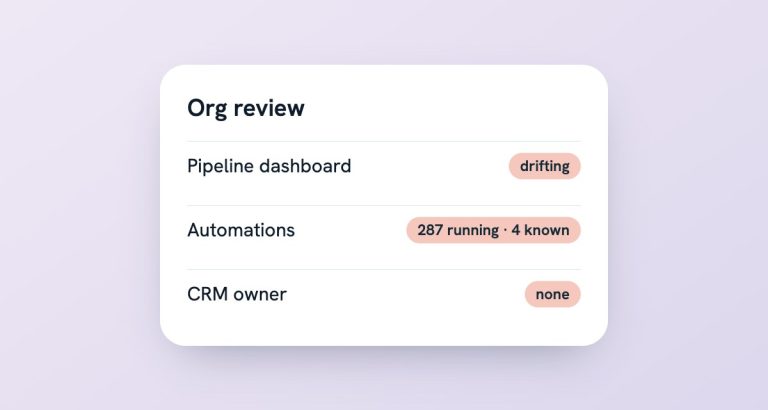
Before buying anything, look at what’s already installed. Many orgs we review carry apps nobody remembers installing, some of them doing half of what the new purchase would do.
What if there’s no API?
Then one gets built. A missing API makes the start slower, but it rarely stops an integration.
We’ve connected a custom-built webshop that had no API at all. The work happened on both sides: a small API on the webshop, and the Salesforce side to use it. The important part wasn’t the code. It was agreeing the contract between the two systems: which fields, in which format, and what happens when a message fails.
The opposite happens too. A native connector exists, for SAP for example, but the company’s processes are specific enough that it only covers part of the flow. Then a custom integration takes over where the connector stops, and the two are designed together so they don’t overwrite each other.
Working with your ERP partner
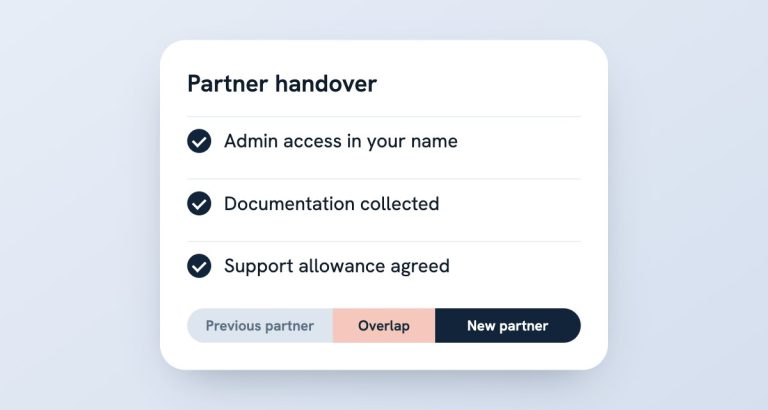
Bring your ERP partner in at the design stage. Integrations go wrong at the boundary between two systems, and that boundary has two owners.
On one project, we designed a Microsoft Dynamics 365 Business Central integration together with the company’s Business Central partner. Each team built its own side to an interface we agreed up front, and it still runs today.
When the other side has its own developers, we design or build the Salesforce side and agree the interface with them. When it doesn’t, we can cover both ends. Either way, settle these before anyone writes code:
- a shared field list, with the master system named for each field;
- a test environment on both sides, with realistic data;
- who watches the integration day to day, and who they call;
- how changes are announced when either system is updated.
It’s less about technology than about knowing who to call when an order doesn’t arrive.
Not sure where your integration should start?
Book a free 20-minute health check. Bring the flow your team copies by hand most often.
What to automate first
Start with the flow that’s copied most often and corrected most often. Get it working end to end, then add the next one.
- Pick one flow. Usually new orders into the ERP.
- Define done. Orders reach the ERP without anyone touching them, and errors land with a named person.
- Run it next to the manual process for a short while. Compare the results before you switch the copying off.
- Add the way back. Confirmations, stock and invoice status into Salesforce.
- Then the next system. Logistics, invoicing or the webshop catalogue.
I’d rather have one flow that works every day than five that work most days. And every flow needs an owner and an alert: a silent failure is worse than manual work, because nobody knows to check.
If you want the bigger picture of what we connect and how, the Salesforce integrations page has it.
Frequently asked questions
Which ERPs can you connect to Salesforce?
Any system with an API, including SAP and Microsoft Dynamics 365 Business Central. Where there’s no API, one can be built. If an AppExchange app already does the job well, we’ll say so.
Should we buy an AppExchange app or build a custom integration?
Buy when your process fits the standard objects the app is built on. Build when you rely on custom objects or your own order logic. We can review just the processes involved and tell you which way costs less to run.
Do we need to change our processes to fit the integration?
Usually not. The integration should follow how your business works. Where a process change would genuinely make things simpler, we’ll suggest it and explain the trade-off.
Who looks after the integration once it’s live?
Someone needs to own it: monitoring, alerts, and changes when either system is updated. That can be your team, us under a support allowance, or both. What matters is that it has a name next to it.